
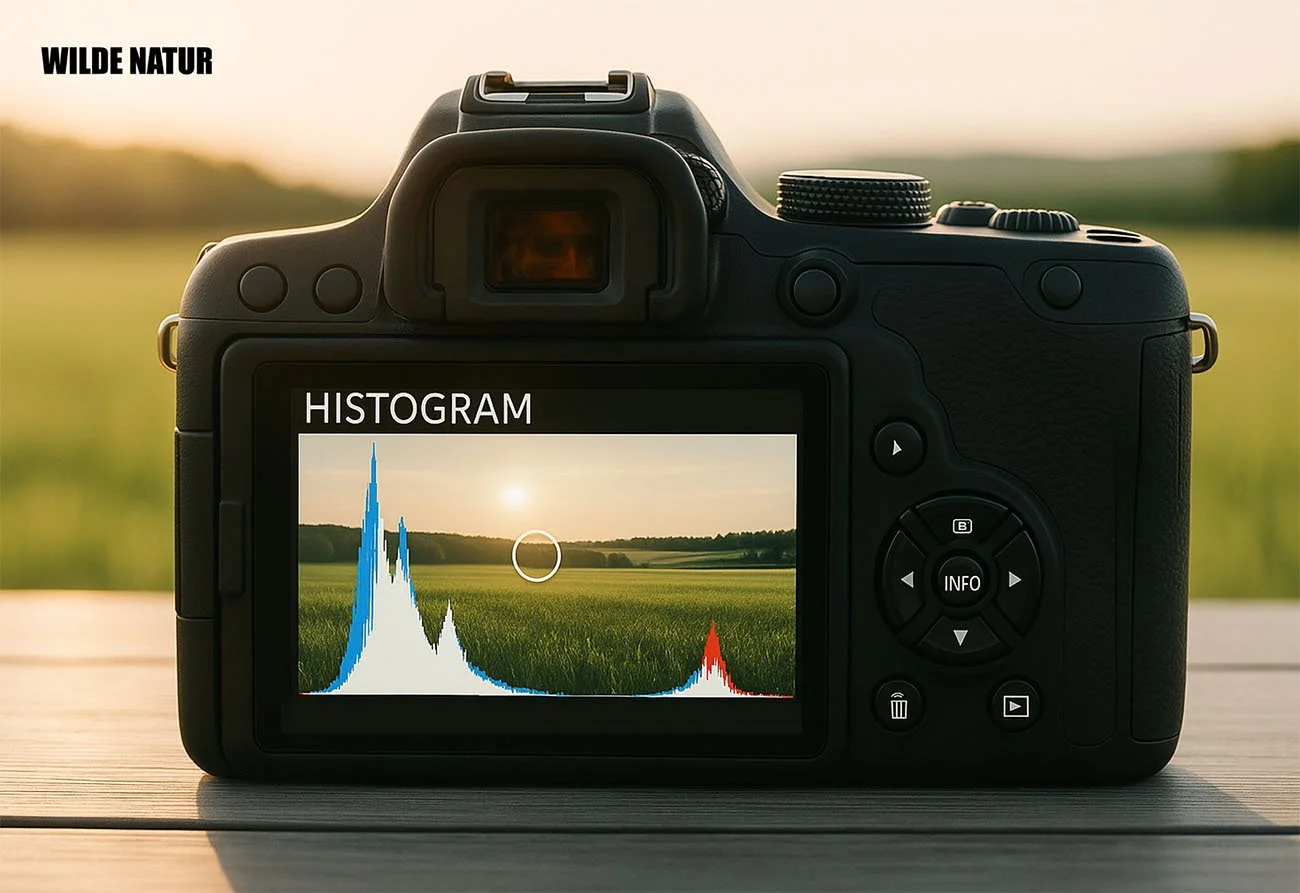
Histogram Instead of Guesswork
The camera display or viewfinder can be misleading – in sunlight, an image often appears too dark, and in the shade, too bright. The histogram, on the other hand, objectively shows how brightness is distributed in the image:
Left = Shadows, Middle = Midtones, Right = Highlights.
A strong peak at the edges indicates lost image information – especially overexposed areas are hard to recover.
Remember:
- Use the live histogram in the viewfinder or display if available.
- On older cameras: take a test shot, check the histogram, and adjust exposure.
- The goal isn’t a “perfect” histogram, but an intentional use of light distribution.
The histogram is your most important tool for precise exposure – not just in challenging lighting conditions.


